Your questions and their answers, right inside the contract.
While drafting your contract, insert your questions where you want them. The signer answers during signing and the answer is automatically embedded in the document. No emails, no copy-paste.
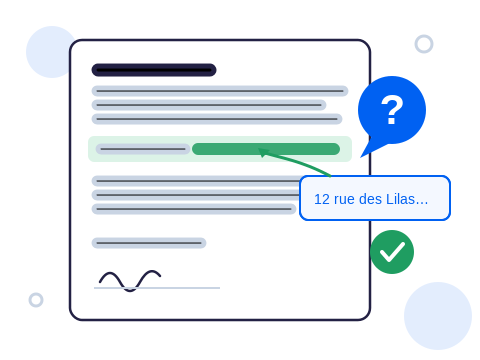
Added in the editor
From the dynamic contract editor, place your cursor where you want, then click “Add a question”.
Answers embedded in the contract
Text, date, URL…: each answer automatically replaces the field placed in the body of the text. The signed contract is complete, with no rework.
Required or optional
Mark a question as required: the signer cannot complete the signature without answering it.
A complete contract from the very first signature.
Precise placement
Place each question exactly where the answer should appear in the contract.
Several questions per document
As many questions as needed in the same dynamic contract.
Required answers possible
A required question blocks the signature until it is answered.
Audit trail preserved
Answers appear in the signed document and its proof, timestamped and traceable.
Contract example
Concrete use cases.
Everything you used to ask by email, embedded in the contract.
Billing details
Address, company registration number, accounting contact — collected and embedded in the billing clause.
Business preferences
Selected options, requested deadlines, dedicated contact — recorded in the contract.
Effective date
The signer picks a date (date-type field), inserted straight into the contract's effective-date clause.
Confirmations
Acknowledgements and clarifications, directly recorded in the signed document.
Frequently asked questions
Everything you need to know about questions to signers.
Ready to complete your contracts in a single signature?
Add your first question to your next document and receive the answers directly embedded in the contract.